October 6, 2026Edited October 7, 2026
Better Load Planning, Clearer Energy Flows, and More Accurate Bills
It’s been a little while since our last release, but we have a solid batch of updates ready, mostly focused on making energy costs easier to predict and fixing up a few quirks in billing and sync.
Can I run this now?
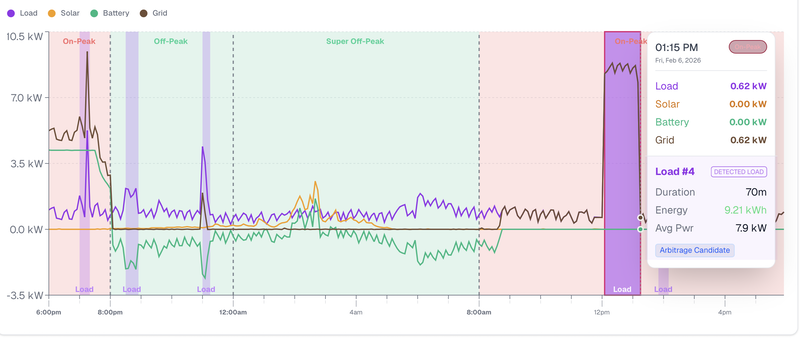
The Site Live view now features a load-cost estimator. You can pick a preset like EV charging, laundry, or running the dishwasher (or plug in your own kWh number) to see what it will actually cost across different time-of-use windows. It factors in your current billing cycle's surplus and the export credits you would be passing up by using that power at home. We also added quick indicators in the live header showing which appliances your surplus can comfortably handle right now.
Live energy-flow diagram
There is a new flow chart showing where power is coming from and where it is going (solar, battery, grid, and home). You can toggle between Now to watch real-time flow and Today to see cumulative totals alongside estimated savings, spending, and export revenue.
Billing fixes
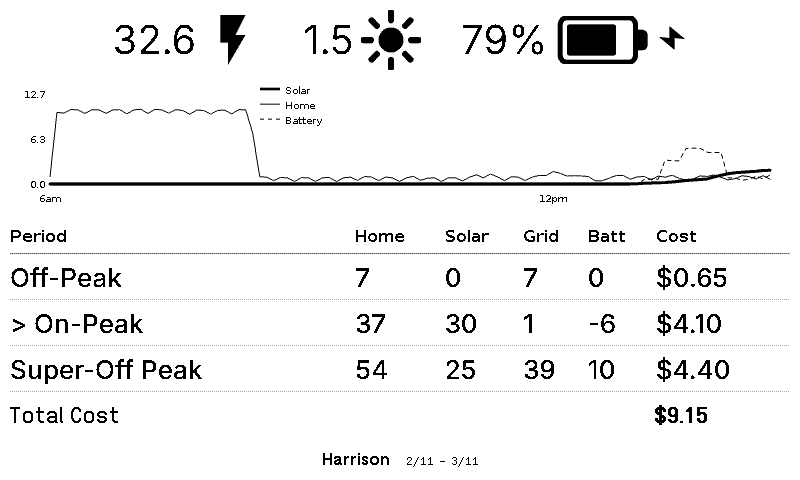
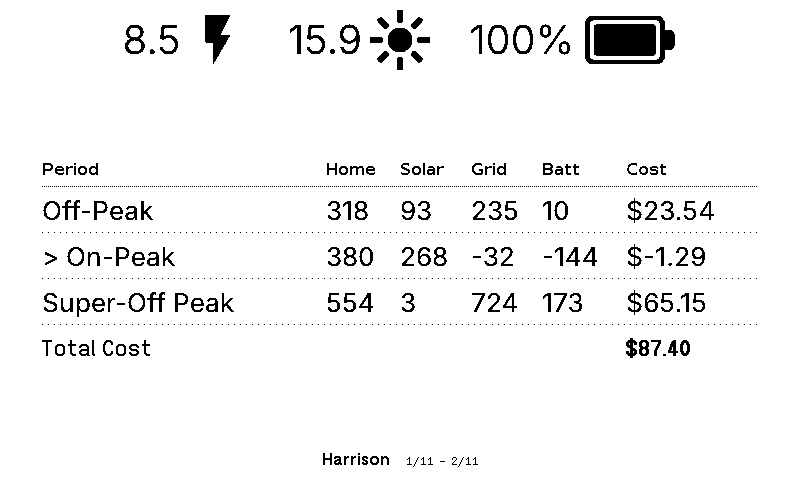
We cleaned up several edge cases around seasonal rate switches, historical tariffs, daylight saving shifts, holidays, and bills that land right at the end of the month. The biggest fix: if your cycle spans seasonal rate changes, imports and exports now properly offset within the same tariff and TOU window before calculating prices. That stops the weird bug where a cycle surplus would show up alongside a charge. We also cleaned up the duplicate period rows.
Better sync and Tesla authentication
- Data imports: Historical data now pulls down in smaller, more reliable chunks, catches missing intraday data, and will not falsely flag a failed sync as complete. We also squashed a bug that was overstating energy totals in certain views.
- Tesla login: Fixed the annoying token renewal loops so you are not asked to re-authenticate constantly, and temporary hiccups on Tesla’s end will not lock you out anymore.
TRMNL and general polish
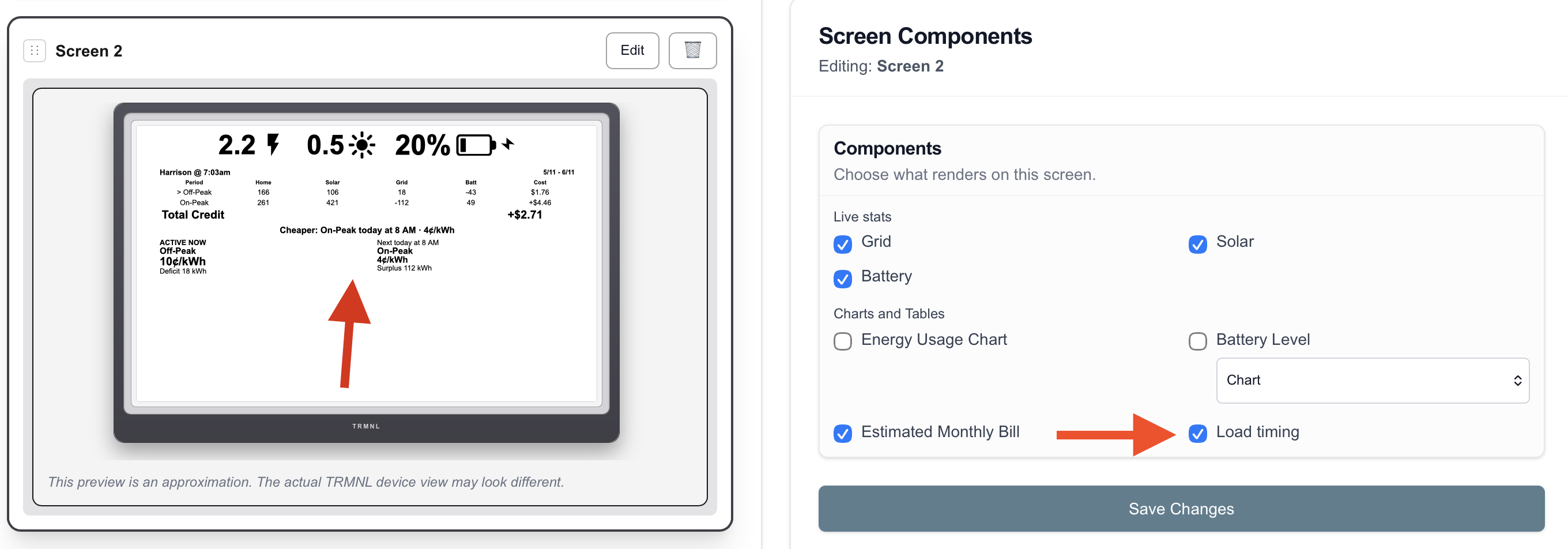
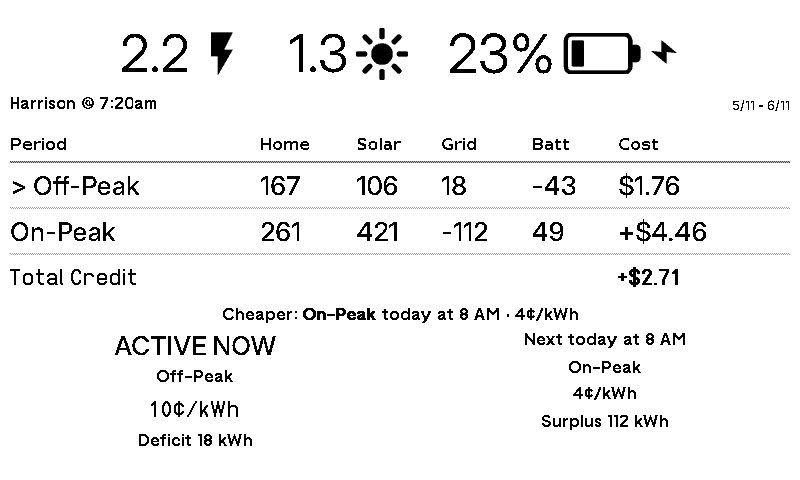
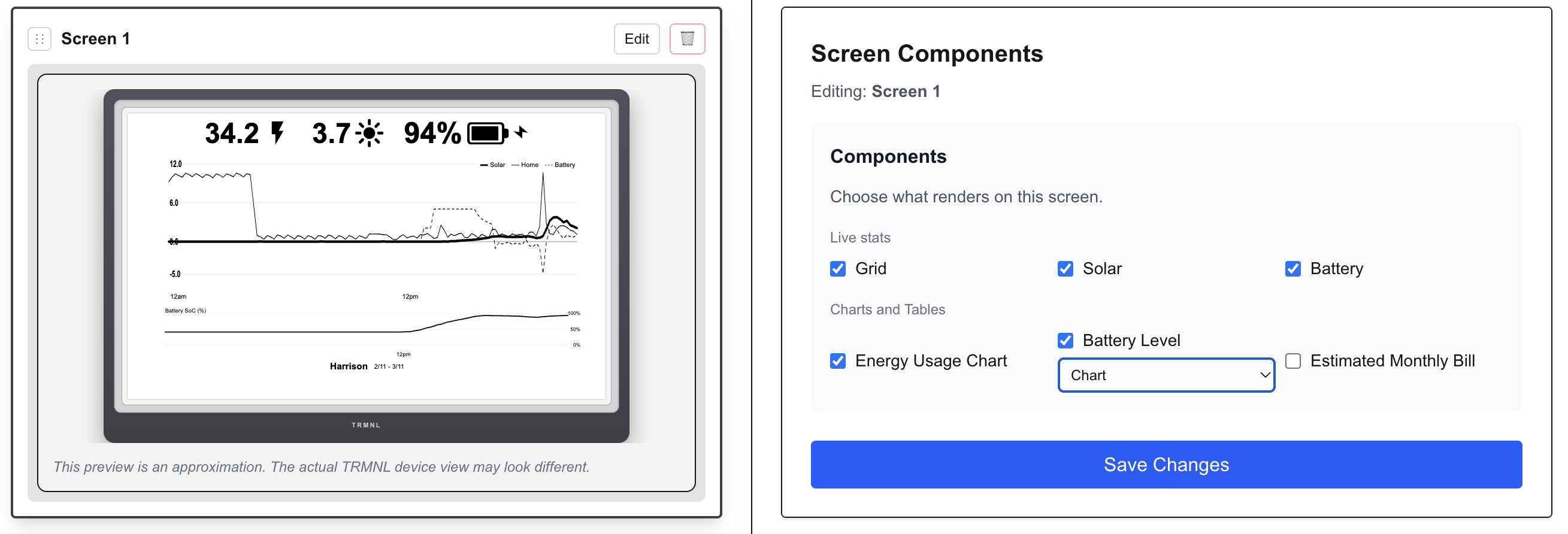
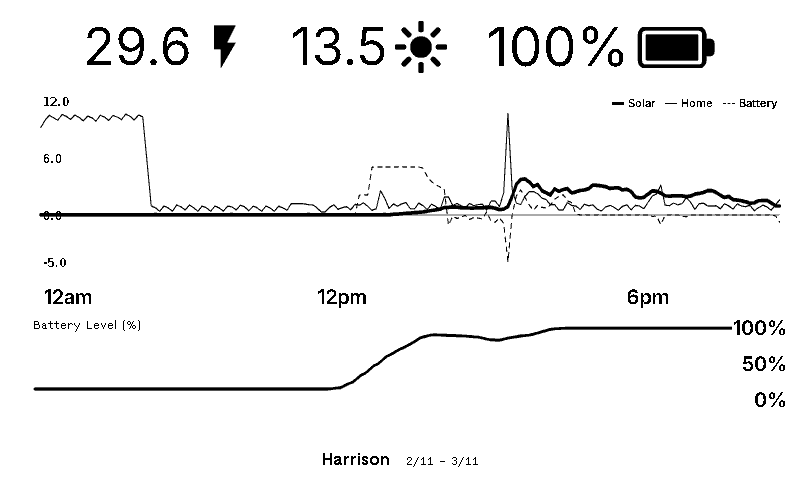
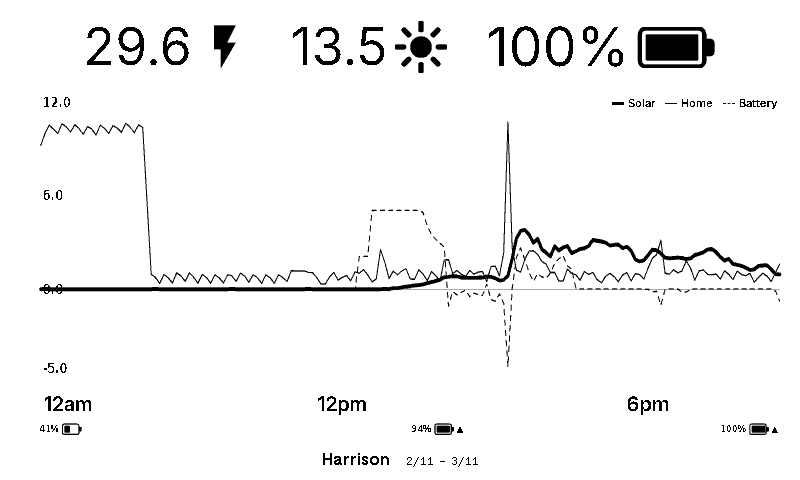
- TRMNL: Better support for historical rates and local billing cutoffs, fixed an issue where rotating the screen wiped unsaved settings, and made the QR-code login a lot smoother.
- Web: Cleaned up the mobile header, cut down unnecessary database queries and Tesla API calls, tightened session security, and published dedicated Support and Privacy pages.
As always, drop your feedback in the Discord, especially if any bill estimates or readings look off on your end. And if you have been keeping an eye on the #update channel, you already know what we are working on next.
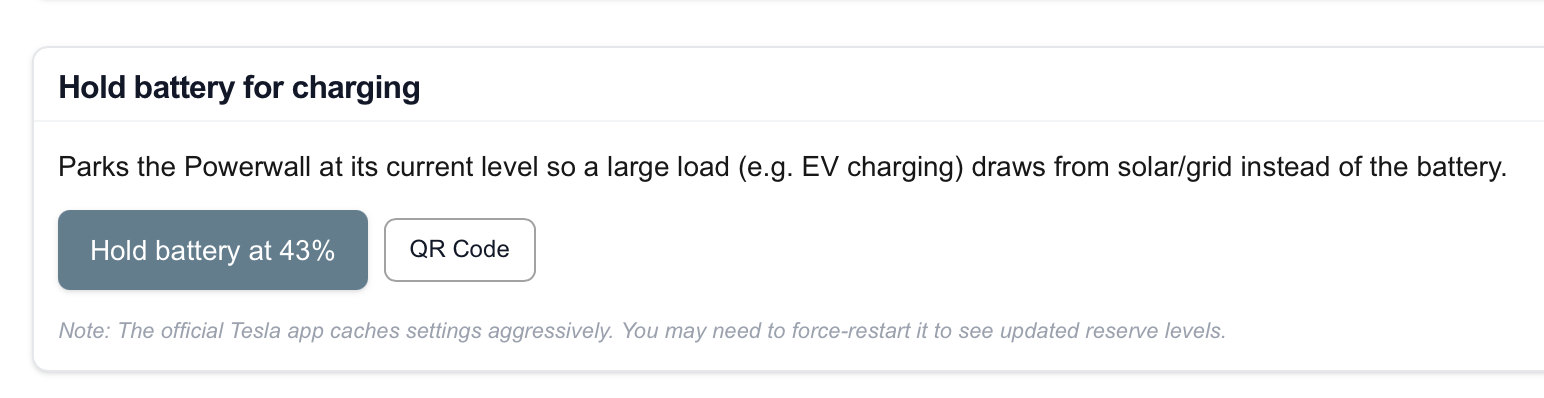
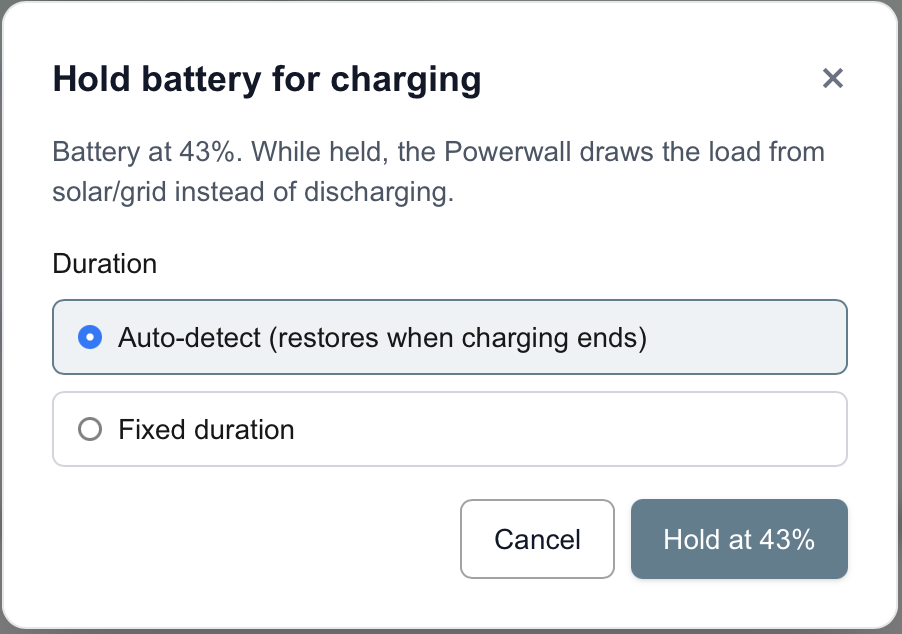
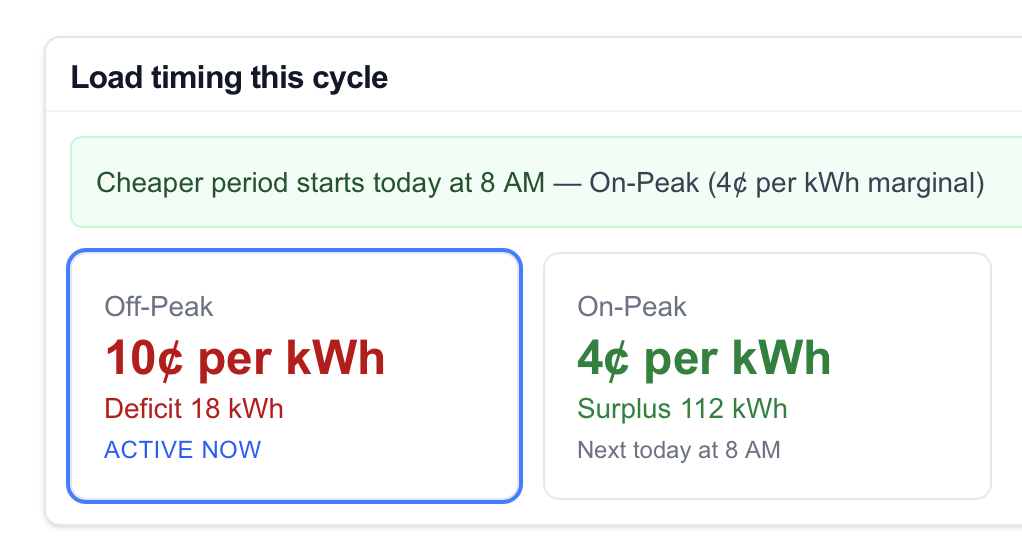 The goal here is to answer the question: Can I charge my car? Or replace car with any other large electrical job you wish to do: